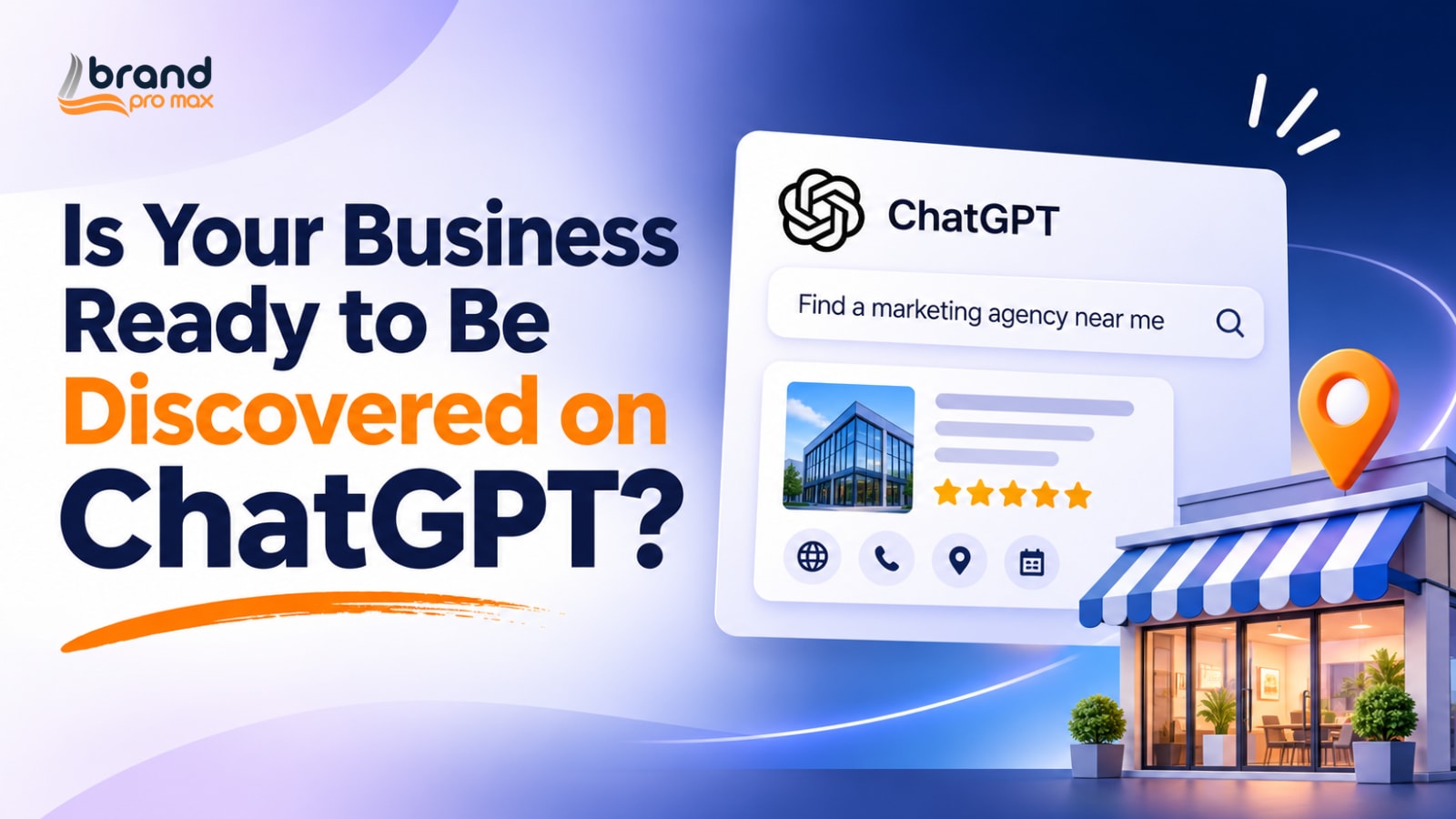
On November 10, 2026, the company launched the beta version of the business version of the chatbot. It allows businesses to claim their accounts and add information about themselves to ChatGPT.
This allows them another area to be found by prospective clients, who can then look at their services and see what they have to offer. But there is something to ponder about here. Will ChatGPT recommend your business if a customer asks for a recommendation in your industry? And if it does, will the information it offers give that customer a reason to pick you?
It’s important to review how your business looks online, and what ChatGPT returns when people search for you.
What Are ChatGPT Business Profiles?
ChatGPT Business Profiles are claimable business listings in the ChatGPT experience. They allow businesses to develop and manage their presence using business information that users may discover during relevant searches.
Let’s say you need to see a dentist in Dallas. Sure, people might ask me to find nearby dental clinics. Users can also access the relevant company listings on the chatbot and view details such as clinic name, address, services and category before making a decision.
How do ChatGPT Business Profiles Function?
Business Profiles of ChatGPT allow customers to find businesses when they are looking for products and services, using AI. For example, a user seeking a local service provider or a software business can ask for recommendations via ChatGPT. The platform may take the available business information and find options that best fit the user’s needs.
For example, suppose you have a company with a team of 50 employees that needs payroll software. It can ask for products that offer automated payroll, tax compliance and HR integrations from the likes of ChatGPT. The business information ChatGPT has access to can assist users in looking into providers and discovering which ones might be a good fit for them.
This discovery process is shaped by a few things:
- Search intent: What the user is looking for, whether it’s a product, service, location, or unique need.
- Business information: What the company sells, what services it delivers and who its customers are.
- Location relevance: Business addresses and service regions that facilitate users finding providers nearby.
- AI recommendations: Amazon’s artificial intelligence systems respond to relevant questions and make business suggestions based on the information available.
This means correct web information is more critical than ever for businesses. A full and up-to-date profile provides ChatGPT with important information about the firm. However, having a profile does not mean that the business will be recommended by ChatGPT or that it will get a specific spot in its answers. The beta documentation is still the best place to check which discovery features are supported by OpenAI.
How to Claim and Set Up Your ChatGPT Business Profile
If your business already has a ChatGPT profile, you might be able to claim it and edit the information displayed there. This is a method to see what your business looks like to people using ChatGPT to find companies, explore services, or compare suppliers.
Before you get started, have your business name, website, contact details and any documentation showing ownership or involvement with the business to hand.
This is what you need to do, according to the latest beta instructions from OpenAI:
- Find your business profile: Search for your business on the platform. Search for an existing profile.
- Request access: Go to the profile and click Claim if available. Follow the prompts on the screen.
- Confirm your ownership: Fulfill the verification processes needed by Open Assistant. This could include verifying your identification or giving business documentation.
- Verify the information: Check your business name, category, address, website, contact information and list of services. See that everything is fine.
- Submit the claim: Review the details and confirm and submit your request.
Before you submit, please take a few minutes to compare this information with your website and other business listings. For example, if your website has an old phone number or a different business address you should update it. Such small inconsistencies can make it difficult for prospective clients to get the right information about your firm.
Once OpenAI validates your claim, keep your profile updated. If you alter your address, add a service or update your contact details, ensure the same information is reflected across your web listings.
Quick note: OpenAI is still putting out its business profile features via a test program. Claim link, eligibility conditions, verification procedures and profile controls may change. Before initiating the process, always follow the official guidelines from the team at OpenAI.
ChatGPT Business Profiles vs. Google Business Profile
ChatGPT Business Profiles and Google Business Profile help customers discover businesses, but they do it in different ways. Google connects users to companies with Search and Maps. ChatGPT integrates company information to the chat to assist consumers locate options based on what they are looking for.
Here’s a closer look at the two differences:
| Comparison point | ChatGPT Business Profiles | Google Business Profile |
| Discovery method | Conversational searches within ChatGPT | Google Search and Google Maps |
| User intent | Questions about services, products, and business recommendations | Local searches, brand searches, and service-related queries |
| Business information | Claimable business profile details | Business details, photos, posts, reviews, and more |
| Customer experience | Business information appears within AI-generated responses | Businesses appear in search listings and map results |
| Business management | Profile controls available through the beta | Established tools to manage and update business information |
For businesses that means keeping their information updated on both platforms. Keep your business name, address, phone number, website and service data the same. When your clients see varying information on both Google and ChatGPT, it can confuse and make them lose faith in your organization.
What ChatGPT Business Profiles Could Mean for Business Visibility
ChatGPT Business Profiles may provide businesses with another channel to connect with customers that utilize AI tools to research items, compare providers, and identify local services. The opportunity is in how people express requirements through conversational questions.
Target Customers with Specific Questions About Service
For example, a user may want a SaaS platform with CRM integration or a dental office with same-day appointments. Information about a firm and its services can be helpful to the users in deciding which selections are relevant.
Support Local Business Finds
Telling users where you are and the area you serve will help them identify businesses that are located in their city or neighborhood. This might be a boon for clinics, restaurants, professional service organizations and other location-based enterprises.
Effects on Purchase Consideration
People often look up a business before they contact them or buy from them. Accurate details about the service, contact information and website can assist people determine whether a firm fulfills their criteria.
Create Another Brand Discovery Touchpoint
A presence within the chat can attract users to a business who might not have visited its website or social media pages. Businesses can view this as another discovery channel as they measure its reach and referral value.
What this means for business: As AI-powered discovery evolves, ChatGPT profiles provide a new area to watch. A claimed profile can help develop a presence for your firm, but does not guarantee exposure, referrals or leads.
Five Ways to Prepare Your Business for AI-Powered Discovery
It’s not just a ChatGPT Business Profile that may tell people about your firm. Someone who finds you using ChatGPT may still visit your website, search for your business on Google, read customer reviews or see what others think about your brand. These touchpoints matter because they let people know what you do and decide whether they can trust you.
Here are 5 lessons to learn:
All company information should be the same everywhere: Register your business name, address, phone number, website and services on online platforms and directories. Make sure that the information is accurate, and does not conflict with what you have entered elsewhere.
Consider local SEO: If you serve clients in certain cities or places, make sure to build service pages for those locations. “Use local keywords that matter and keep your business listings current so people can find you when they search for services in your area.
Tell individuals just what it is you are offering: Service descriptions are about what you do, who you do it for and what problems you solve. If you can’t describe what ‘industry-leading solutions’ means, skip the buzzwords.
Let your work do the talking for your business: People have something substantial to look at before they contact you, like customer reviews, expert comments, case studies and mentions on relevant industry websites. The emphasis should be on getting genuine feedback and creating content that demonstrates your abilities.
Ensure that AI platforms are driving traffic to you: Check your referral traffic, website stats and lead sources. They can help you to spot AI-generated visits and queries when tracking data is available.
Your internet presence is made up of your website, business listings, reviews and brand mentions. Keep them current and valuable, and your overall SEO and Social Media Marketing efforts will have stronger support.
Should Your Business Claim a ChatGPT Business Profile?
If customers are using ChatGPT to look for local services, compare providers or research items, the ChatGPT Business Profile is worth checking out. It provides your organization with additional point of presence in the consumer discovery process.
This is especially useful for local service businesses, professional firms and SaaS businesses that rely on web visibility. It doesn’t guarantee recommendations or leads, but it allows qualifying firms the option to set up shop inside ChatGPT.
Are you ready to explore this opportunity? Verify your business information, claim your ChatGPT Business Profile and make your business information available to potential clients.

Abhay Kumar is a digital marketing and SEO professional specializing in search engine optimization, content strategy, and online visibility. He focuses on creating helpful, search-optimized content that connects businesses with their target audiences and supports sustainable organic growth. His work combines keyword research, on-page optimization, and content development to help businesses strengthen their online presence and reach the right customers.